
How to Search Civil Dockets
McLeod District Court hears the county's major civil and conciliation cases. For an online search, begin with Minnesota Court Records Online, or MCRO. Accept the public terms first. Pick a person or business search. Set the category to Civil. Narrow the court location to McLeod County. The statewide tool shows eligible public case details. It certifies nothing, though, and does not promise remote access to every document.
A complete court number is the best key. Name searches require a last and first name; a middle name is optional. Filters for filing date, case status, and county help when a name is common. Sounds Like and a trailing wildcard after two characters each work. You cannot combine them, so pick one. Each result card links to case details. It also links to any public Register of Actions, hearing, document, or judgment entry.
- Open MCRO and accept the access terms.
- Choose a person, business, or complete case-number search.
- Select Civil and then limit the court location to McLeod County.
- Open the matching case details and compare the case number, location, and filing date.
- Read the Register of Actions before asking court administration for a specific record.
McLeod Civil Docket MCRO Filters
MCRO covers the whole state. The McLeod County location filter does real work in a civil docket search. Pick a category: Civil, Criminal, Family, or Probate or Mental Health. Status options are Active, Inactive, and All. The county control appears after you choose County rather than Statewide. Clearing the boxes that do not fit trims the results before you hit Find. A case title alone rarely tells the whole story, so do not lean on it. The system returns up to 200 results, usually newest first. Hearing Search pinpoints a setting by person, business, case number, judicial officer, or attorney. Judgment Search tracks judgment details and satisfactions through a debtor name. Still, none of these tools substitutes for a certified copy from McLeod court administration. Note: When a McLeod civil case has a known case-file reference, use the court number. Do not widen a name search without end.
What a Civil Docket Shows
A public McLeod civil case-details view can show the case number, court location, filing date, civil category, and status. Party roles, attorneys, hearings, the Register of Actions, documents, motions, orders, judgments, satisfactions, and final status may appear too, where public. The Register of Actions is a dated list of procedural events. It is not a narrative of the dispute.
| Case number | The court identifier, with 43-CV serving as an observed McLeod civil routing clue. |
|---|---|
| Parties and roles | Public case-title and role labels where remote access permits them. |
| Filings and motions | Complaint, answer, motion, notice, order, or other event entries and public links where available. |
| Hearing details | Date, time, type, location, and connection information shown for a scheduled setting. |
| Judgment record | Judgment, satisfaction, disposition, or status information, which may need certification for official use. |
Keep the civil record abstract. A public view may contain personal details, but a sound search workflow needs only the case number, the event type, its date, and the requested document. Remember that MCRO does not certify what it displays.
McLeod Civil Docket 43 CV Clue
The McLeod daily calendar has shown 43-CV as a civil case prefix. That prefix points a lookup toward Civil. It says nothing about the merits, and it cannot confirm that every document is public. A complete number works better, since MCRO validates incomplete entries. Type it with or without dashes or leading zeros, just never with spaces.
Other local prefixes seen include 43-CR for criminal, 43-FA for family, 43-PR for probate, 43-JV for juvenile, and 43-VB for traffic. Court administration can confirm any unfamiliar designation.
Types of Civil Cases on the Docket
Civil jurisdiction at McLeod District Court covers major civil cases and conciliation matters. The Civil category helps organize a lookup. It does not say who won or whether a matter has closed. What can be inspected, or viewed remotely, depends on the court file. It also depends on the access rule that applies.
| McLeod civil matter | What may appear in the docket | Local record route |
|---|---|---|
| Major civil case | Filings, motion events, settings, orders, and judgment information where public | MCRO or McLeod court administration |
| Conciliation matter | Case details, scheduled hearing, Register of Actions, and public result information | MCRO and Civil/Conciliation phone routing |
| Restricted civil material | Limited or absent remote entries, depending on rule and court order | Terminal, court administration, or access-request process |
A civil docket records court activity, nothing more. Treat it as a log, not a full factual account of a dispute. When the exact legal record matters, obtain the actual public order or judgment along with any needed certification.
McLeod Civil Docket Administration
McLeod runs one District Court Administration. It is not split into separate county and district clerks for civil records. That office holds civil, conciliation, family, criminal, probate, juvenile, and traffic records locally. Civil and conciliation routing turns on the respondent or defendant's last name. Turn to court administration when MCRO lacks a document. The same goes when an old file sits offsite or a copy needs certification.
Civil and Conciliation Routing
A-E: (320) 864-1545
F-O: (320) 864-1280
P-Z: (320) 864-1539
Bring the court number, the case title or matter description, and the specific event or document you need. A court administrator can walk you through the inspection and copy path. That includes whether a public terminal, local paper file, redaction, or access order comes into play.
Settings and Hearings on Civil Dockets
A McLeod civil docket can list a scheduled setting. Yet the docket and the daily calendar do different jobs. Labels that appear include Motion Summary Judgment, Settlement Conference, Pre-trial, Initial Case Management Conference, Motion Hearing, and Evidentiary Hearing. A hearing entry is only a scheduled event. It is not every filing, deadline, or court decision.
Use MCRO case details for the Register of Actions. Use Hearing Search or the county calendar for a setting. Court administration confirms the rest. For same-day accuracy, printed courtroom calendars and electronic lobby monitors beat the online PDF.
McLeod Civil Docket Calendar Limits
The official McLeod calendar instructions describe the online daily calendar as a list of scheduled courtroom hearings, not every matter in a case. Confidential matters and nonremote cases may not appear at all. So a missing row proves nothing. It does not mean the hearing was canceled, rescheduled, or dismissed. It also does not mean the case vanished. Before relying on a civil setting, confirm it through the current court display or McLeod court administration.
Each calendar row can carry the hearing location, date, time, judicial officer, hearing type, connection type, and case number. Useful as that is, a row is not a full Register of Actions. A motion entry is a request, not a ruling. The judge may decide it later by order. A scheduled setting can also be continued, so check back near the hearing date.
Public Access to Civil Dockets
Minnesota judicial-record rules govern public access to a McLeod civil docket. Rule 2 of Title VIII presumes inspection and copying during regular hours, subject to exceptions. Rule 8 then splits courthouse inspection from remote electronic access. Many public civil documents dated on or after July 1, 2015 can be reached remotely through MCRO. The case type still matters. So do the document, the date, and the rule. Together they control what you actually see.
McLeod civil access boundary:
Minn. Stat. § 13.90 directs judicial-record access to Supreme Court rules rather than the ordinary executive-branch data process.
Title VIII, Rule 2 establishes the general inspection and copying presumption.
Title VIII, Rules 4 and 8 cover nonpublic categories and remote-access limits.
What appears can change. Protected identifiers, medical material, court-services records, sealed files, and other restricted content may limit a civil docket view. Ask McLeod court administration whether a particular civil record is public, confidential, sealed, available remotely, or available through an access order.
McLeod Civil Docket Copy Routes
MCRO document views are free when available. But the viewer is not the official certified record. Other routes exist. You can inspect at the courthouse, use a public terminal, make an in-person request, mail a letter or official form, or use the statewide eFile and eServe request route. One caution applies. eFile and eServe is a filing and service system, not the public civil docket search.
Minnesota's copy-request overview sets out the ordinary request and certification options. A good request identifies McLeod County, the court number if known, the case or matter, the exact record needed, and the certification level. It should also give requester contact information, delivery address, and payment instructions.
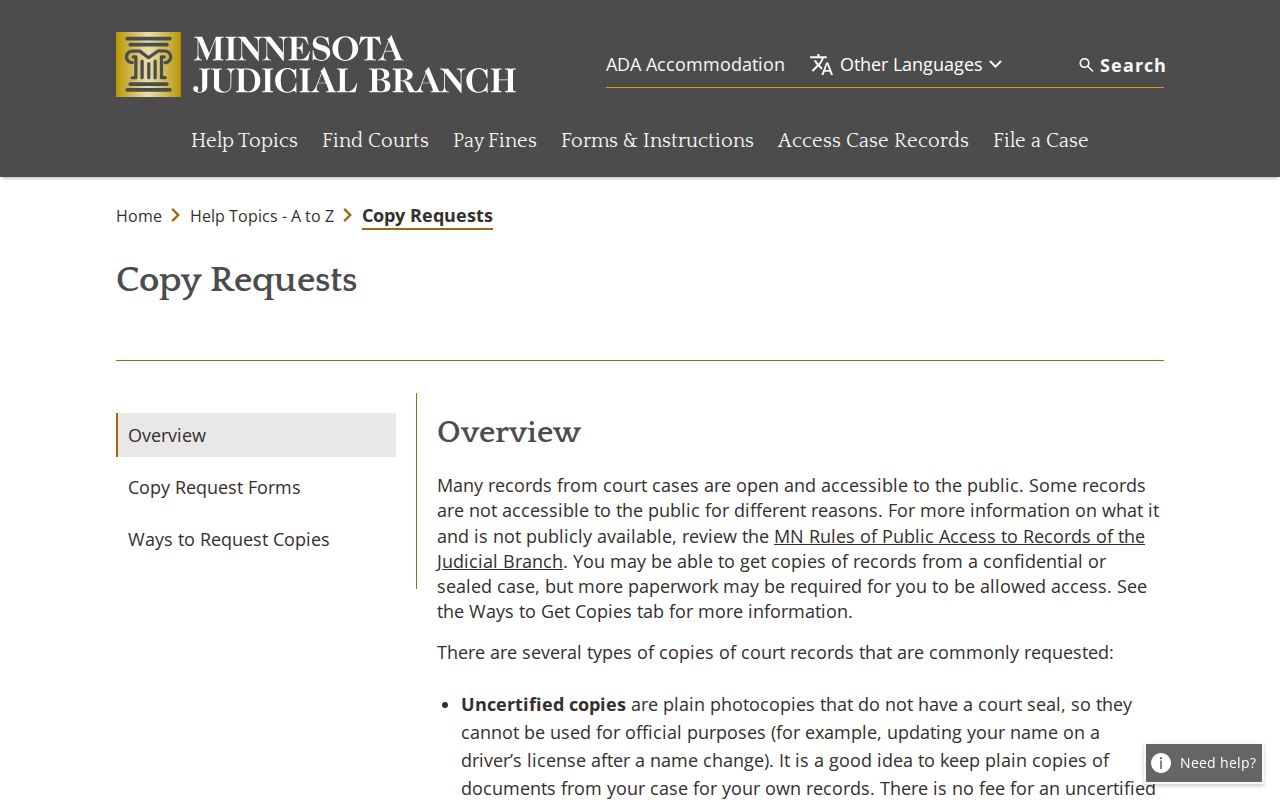
Older or nonremote records may require a courthouse terminal or a counter request. Offsite files may not be available the same day, the statewide instructions warn. Ask McLeod court administration before counting on a particular retrieval time.
McLeod Civil Docket Request Channels
In-person and mail requests are documented ways to seek a McLeod civil record. Court administration is the local counter. It handles inspection, plain and certified copies, exemplified products, and paper-file questions. The local directory publishes a fax number but does not promise ordinary requests by fax. No general public records-request email is published. Call for the current channel.
The official request-channel instructions show the in-person, mail, and eFile/eServe options. They also reinforce a distinction worth learning. The public portal helps you locate a record. The court-administration process obtains the copy or certification.
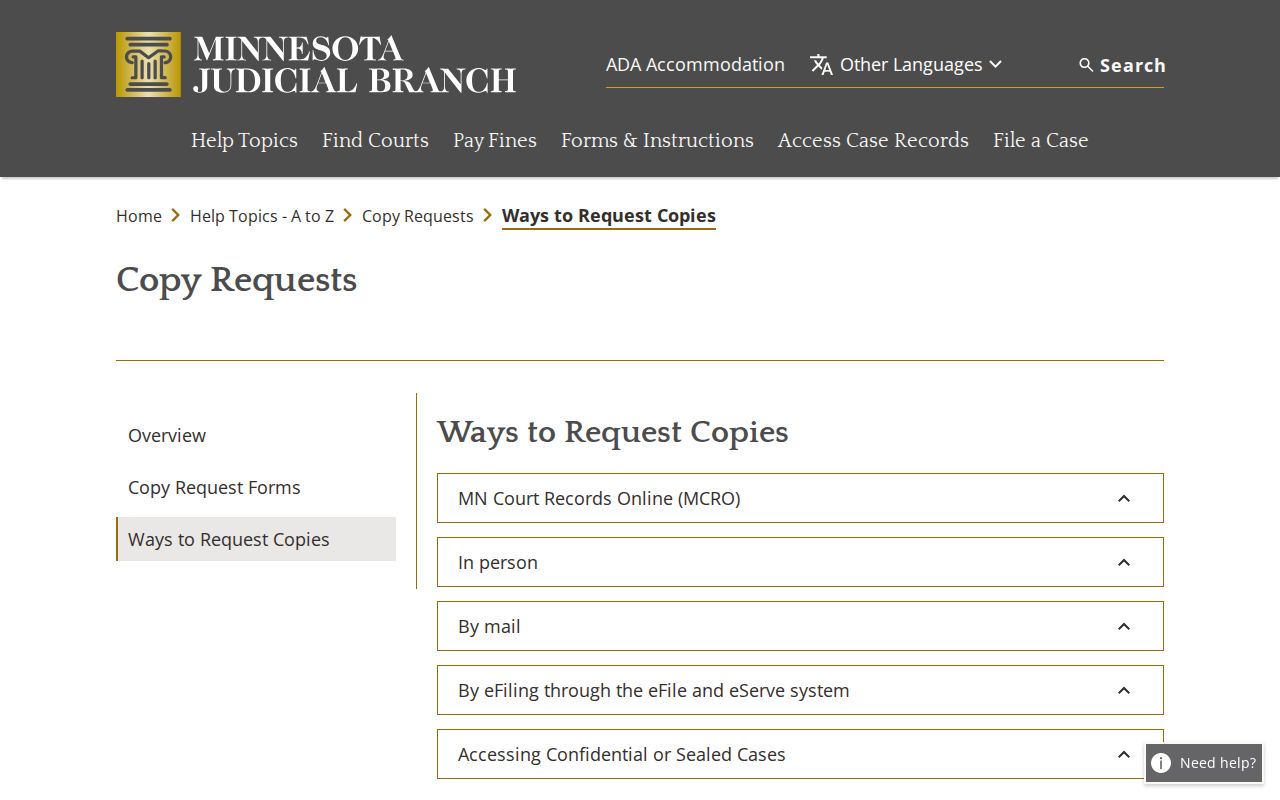
Note: Tell McLeod court administration the exact civil document or Register of Actions item you need. That keeps the request from resting on a broad case search.
McLeod Civil Docket Fee Records
Keep copy fees separate from civil filing fees. Plain copies, plain screen prints, and available MCRO document views are listed at no charge. Certification is where money enters. A certified or exemplified copy runs $14. An exemplified and certified copy runs $28. A certified judgment search costs $5 per name. Court administration can confirm the current product and payment method.
| McLeod civil record product | Listed amount |
|---|---|
| Plain imaged or e-filed copy | $0 |
| Certified copy or certified printout | $14 |
| Exemplified copy | $14 |
| Exemplified and certified copy | $28 |
The McLeod-filtered fee display shows the county-selected schedule used for this distinction.
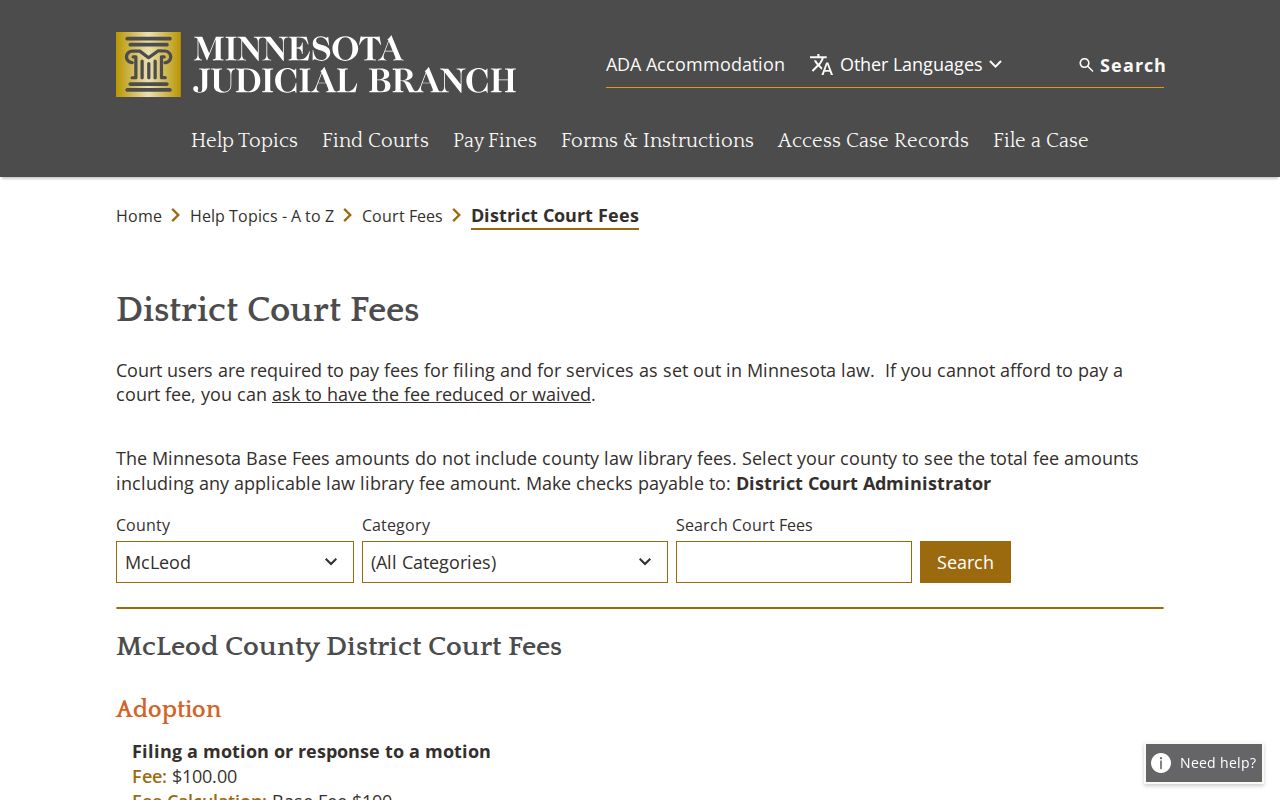
Statewide fee categories are also published through the District Court Fees page.
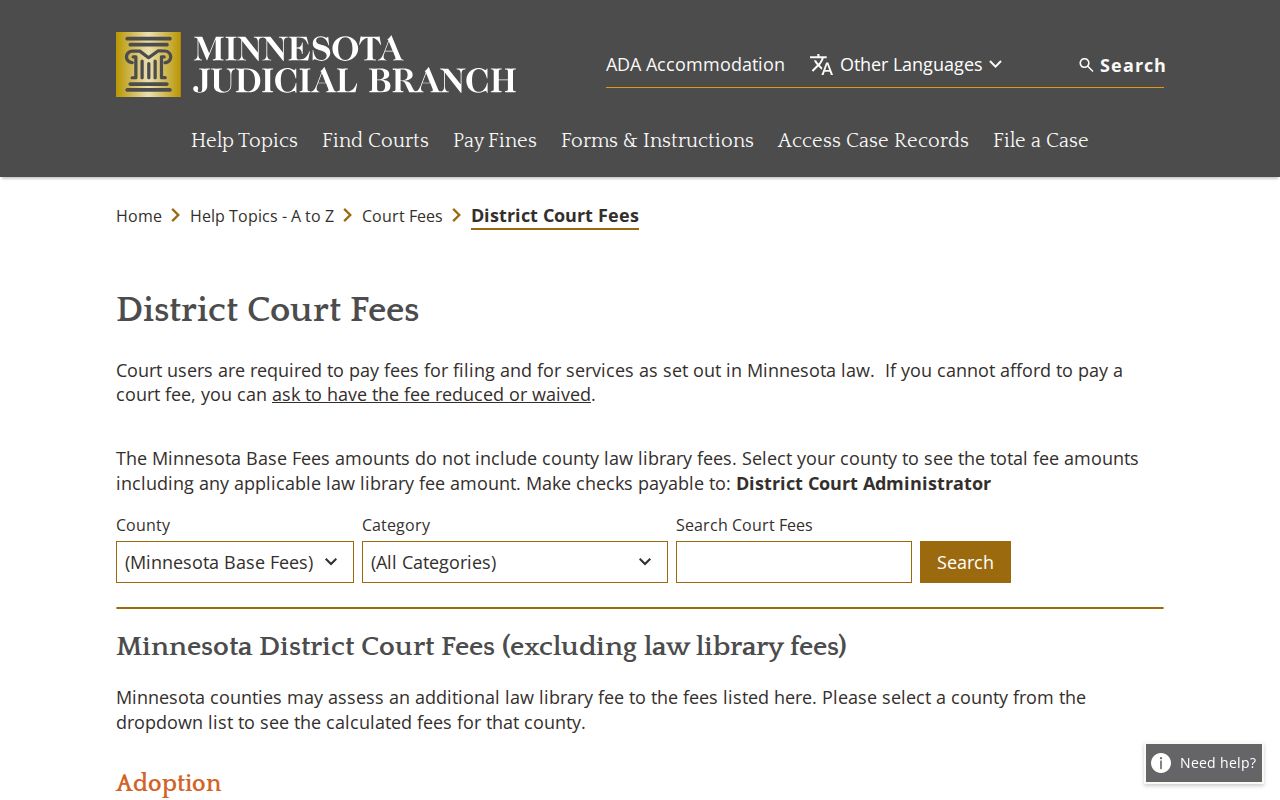
Do not mistake a county law-library addition to an applicable filing fee for a civil court copy charge. Copy products and filing costs are different categories.
McLeod Civil Docket Sealed Requests
A related civil case may show in MCRO. That does not open up restricted or sealed material. When a person has a basis to seek confidential or sealed material, Minnesota's CON100 instructions and CON101 request form supply the access path. The request identifies the case and records, explains the reason for access, and supplies contact information. A judge then decides it. The instructions list no filing fee for that request.
The official CON100/CON101 packet governs that process. It is not a substitute for an ordinary civil copy request. If a judge grants access, use the normal McLeod court-administration copy process for the document afterward.
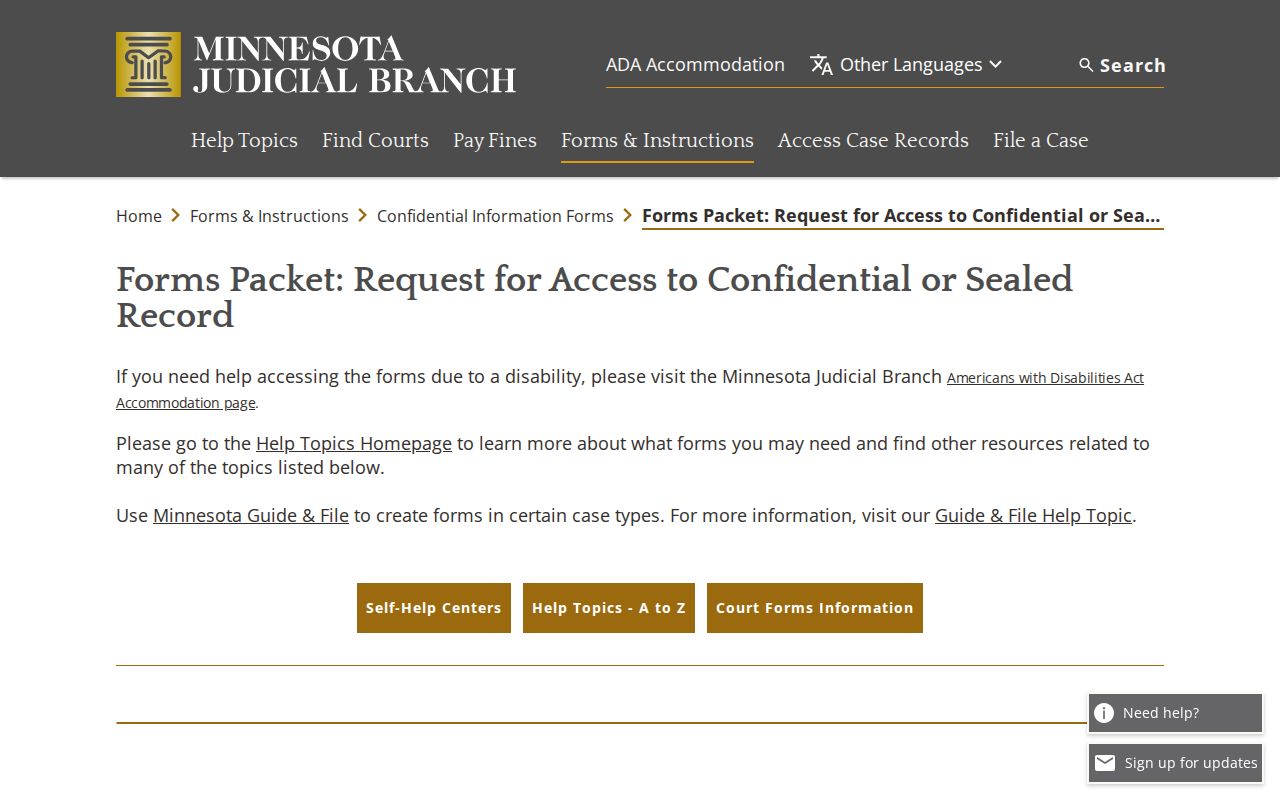
The packet is not for adoption records. Court administration can tell you where to submit the request, but the judge makes the access decision under the governing rules.
McLeod Civil Docket Judgment Proof
Take a civil case category, a motion event, or a Judgment Search result. None of those proves the final legal result. The Register of Actions can show an entered or satisfied judgment. That may still fall short. An official recipient, such as a bank or title company, may require a certified judgment, docket, or exemplified product. Request the exact document from McLeod County District Court Administration. Specify the certification needed.
Minn. Stat. § 485.06 addresses the court administrator's judgment and lien search and certification duty. That duty supports the local line between an online search result and a certified court product. Until the court supplies that official copy, a McLeod civil docket remains a navigation record.