
How to Search Criminal Dockets
Criminal matters in McLeod County are heard in District Court. The free starting point is Minnesota Court Records Online, or MCRO. Accept the terms, pick the Criminal category, and run a person search. The search covers the whole state. So filter to McLeod County to screen out matches from elsewhere. A complete court file number works even better when you have one. Keep MCRO's role in mind. It is a public viewer for eligible state court records. It is not the filing system, and not a certified source.
The person form asks for a last and first name, with a middle name optional. You can use a Sounds Like option or a trailing wildcard after two characters. You just cannot use both at once. Narrow a long result list with the case status and filing-date filters. From any result you can open case details. Hearings, public documents, and the Register of Actions are there too.
- Open MCRO and accept the public-access terms.
- Choose a person or case-number search and select the Criminal category.
- Narrow the court location to McLeod County when a name has several matches.
- Open matching case details and compare the court number, status, and hearing data.
- Use the Register of Actions to identify the event or document needed from court administration.
McLeod Criminal Docket Number Searches
On a McLeod criminal docket you will often see the calendar prefix 43-CR. Treat it as a routing clue only. It says nothing about the charge or how the case ends. The MCRO Case Number tab demands a complete number. Dashes or leading zeros are fine, but spaces are not. Copy the number exactly as it appears on a notice or court paper.
This matters most for pending cases. MCRO's own terms carry a warning. Some pending criminal, traffic, and petty-misdemeanor cases without a conviction may stay out of a defendant-name search. So a name search that returns nothing does not prove a McLeod criminal docket is absent. A complete number is the surer path forward. So is a courthouse terminal, or a call to the right criminal line.
Note: A 43-CR prefix helps identify a criminal file. Court administration can also confirm an unfamiliar number before you submit a records request.
What a Criminal Docket Shows
Open a public McLeod criminal case-details view. You may see the court location, case number, category, status, and opening date. Where access rules allow, the same screen can add more. Party-role labels, charge descriptions, attorney and judicial-officer fields may appear. So can hearings, public document names, and disposition or judgment details. The heart of the docket is the Register of Actions, the chronological list of events. It shows what was filed, scheduled, entered, or ordered. Even so, it is not automatically the complete official file.
| Case number | The court identifier, often beginning with 43-CR on a McLeod criminal calendar. |
|---|---|
| Charges and counts | Public charge descriptions and cited statutes where the view makes them available. |
| Hearing settings | Date, time, type, location, and connection information when a setting is posted. |
| Register of Actions | Dated event descriptions that connect filings, hearings, orders, and other court activity. |
| Disposition | Public judgment, sentencing, probation, closure, or other outcome information where accessible. |
A document title or event label is not the document itself. MCRO cannot certify anything it displays. If you need a signed order, judgment, or certified record, request that item from McLeod County District Court Administration instead of trusting a portal image.
McLeod Criminal Docket Phone Routing
McLeod County has no separate criminal clerk's office. District Court Administration holds the criminal case records locally. To route calls, the official directory splits criminal matters by the last name. That split helps when a case is missing online, a docket entry needs explaining, or a copy request must reach the local court.
McLeod County District Court Administration
Criminal matters with last names A-L: (320) 864-1282
Criminal matters with last names M-Z: (320) 864-1283
Before calling, gather the case number, the party name, and the specific Register of Actions entry or document name. Staff can point an inspection or copy question the right way. They cannot certify an MCRO search, and the local directory lists no general public records-request email.
Stages on a Criminal Docket
A McLeod criminal docket can pass through several settings before the court takes final action. The filing opens the case. Arraignment brings an initial response before the judge. From there, entries may include pretrial, omnibus, plea, trial, review, probation-violation, and sentencing proceedings, depending on the case. Read each one as a procedural step. None of them is a conclusion about the case or the person.
Docket flow: Filing → Arraignment → Pretrial → Plea or Trial → Disposition → Sentencing.
A calendar entry proves a hearing was set. It says nothing about what happened there. The same caution applies to filings: a complaint is an allegation, and any plea-related entry belongs alongside the Register of Actions and the resulting order or judgment. The McLeod daily calendar lists criminal hearing types such as Sentencing, Omnibus Hearing, Plea Hearing, Arraignment, and Probation Violation Hearing.
McLeod Criminal Docket Register Entries
The court's formal name for the event history is the Register of Actions. Reading it well guards against a common mistake, which is treating a category, filing, or hearing label as the outcome. The terms below help when you compare a McLeod criminal docket against a calendar setting or a copy request.
- Register of Actions
- The chronological list of case events, filings, hearings, and court actions.
- Pending
- A case may still be open or unresolved; some pending matters have limited name-search visibility.
- Disposition
- A court-record event reflecting a procedural result or outcome, not a label supplied by the search category.
- Certified copy
- A copy issued and certified by court administration, which MCRO cannot provide.
A motion or complaint event only tells you material was filed. It does not mean a judge granted anything. Line up the event date and description with any public order, and when you need the exact legal record, ask court administration for the certified order.
Which Court Holds Criminal Dockets
McLeod County District Court holds the criminal docket for the county. Criminal work sits there alongside civil, family, probate, juvenile, and traffic cases. No second public criminal docket exists. McLeod County runs no separate justice court, county court, or municipal trial court of its own. For a state criminal or ordinance case, you have two routes. One is MCRO. The other is McLeod County District Court Administration. That is the whole picture, and it keeps things simple.
| Court or channel | Criminal docket role | Where to look |
|---|---|---|
| McLeod County District Court | Trial-court criminal cases filed in the county | MCRO, daily calendar, terminal, or court administration |
| Minnesota Court of Appeals | Appeals from trial-court judgments and orders | Separate appellate records, not the ordinary McLeod trial docket |
| Federal District of Minnesota | Federal criminal cases | PACER and federal CM/ECF, not MCRO |
City administrative citations stay with the city department that issued them. Anything filed as a state criminal or ordinance matter in District Court lands on the McLeod docket instead.
McLeod Criminal Docket Calendar Settings
The McLeod daily calendar helps you check a hearing setting. It is not a full criminal docket, though. What it shows is hearing location, date, and time. It also lists judicial officer, hearing type, connection type, and case number. Confidential and nonremote matters may be left off entirely. The court itself offers a caution. Printed calendars outside the courtroom run more current than the online PDF. So do the electronic lobby monitors.
To decode a calendar field, the Minnesota Judicial Branch judicial directory lists public officer information. That official directory is what the image comes from. Remember the limit: a named officer or a scheduled hearing confirms the right case. It says nothing about the outcome.
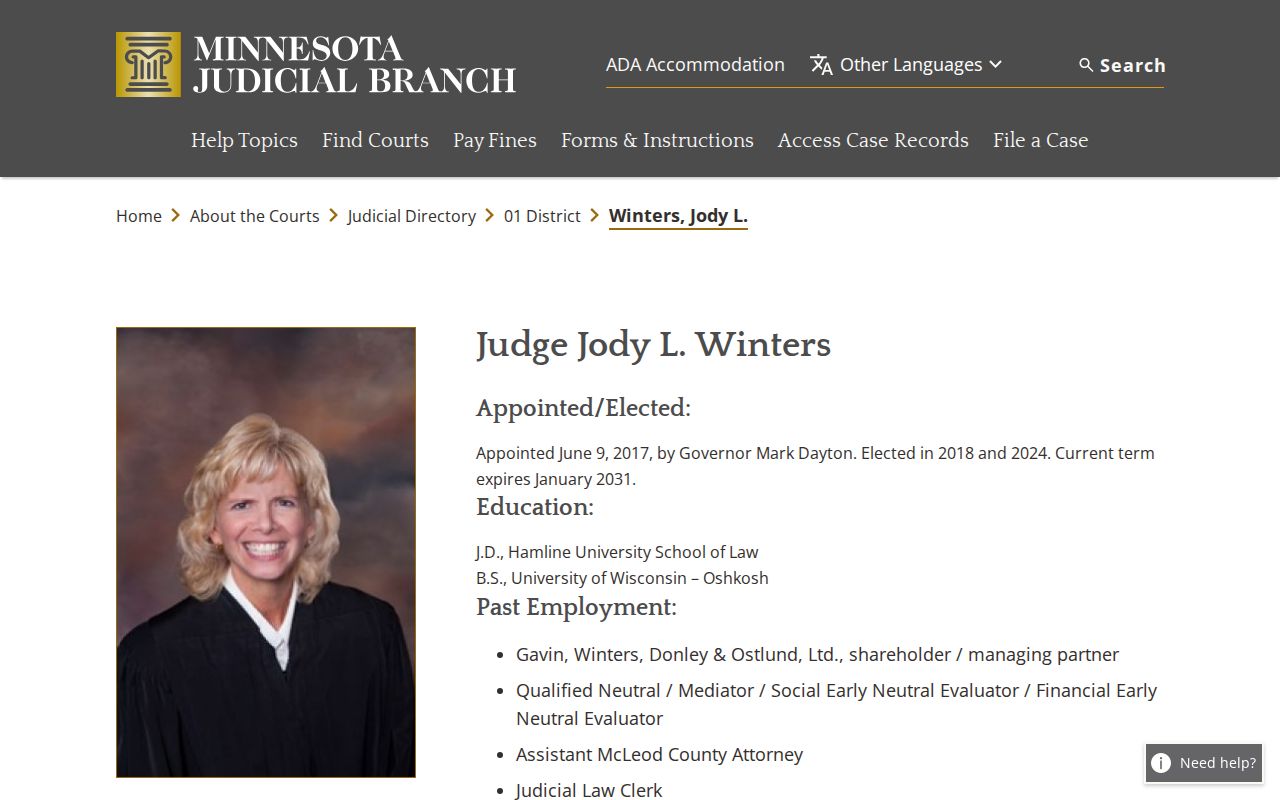
Posted calendars go stale. When the exact McLeod criminal docket setting matters, rely on MCRO Hearing Search, the current court display, or a call to court administration.
Public Access and Sealed Criminal Dockets
Minnesota court records are presumed open to inspection and copying. The exceptions carve deep. Remote MCRO access is narrower than a district-courthouse terminal. Juvenile and closed-proceeding material, protected addresses, medical material, court-services records, judicial work product, sealed records, and other protected categories may be unavailable or only partly visible. A missing result proves nothing. It does not mean a case was deleted or never filed.
McLeod access rules:
Minn. Stat. § 13.90 places judicial records under Supreme Court access rules rather than the executive-branch Data Practices Act process.
Minnesota General Rules of Practice, Title VIII, Rule 2 presumes inspection and copying during regular hours, subject to listed exceptions.
Title VIII, Rules 4 and 8 define nonpublic categories and narrower remote and electronic access.
Minn. Stat. § 260B.163 provides important restrictions and exceptions for juvenile hearings and records.
Need confidential or sealed material? Use the court's access-request process instead of hammering MCRO with repeat searches. A judge decides whether access is granted and on what terms.
McLeod Criminal Docket Fallbacks
MCRO came up empty? Slow down before giving up. Check the full case number, the county selection, spelling, date limits, and category filters. Hearing Search is the better tool when you need a court date. The daily calendar offers another orientation, omissions and all. Still stuck? McLeod court administration and the courthouse public terminal are next. District-courthouse terminals can also show a fuller statewide public view than remote access.
The official court-record access information explains a split. Remote records, courthouse terminals, and local paper files each work differently. At the counter, name the case and document. Then ask for inspection, a plain copy, a certified copy, or an exemplified copy. A letter or the official copy-request form works by mail to court administration. The local contact page lists a fax number. It promises nothing about ordinary copy requests by fax, so call first.
Note: Bring a complete case number, or enough case details, to the McLeod terminal or counter. That lets court staff pull the correct public record.
McLeod Criminal Docket Copy Route
MCRO shows eligible public documents free of charge. It cannot certify anything. Certification of a docket, order, judgment, or document belongs to McLeod County District Court Administration. Plain copies cost nothing. Certified and exemplified copies run $14, an exemplified and certified copy is $28, and a certified judgment search is $5 per name.
A mail request should name McLeod County, the court file number if known, the case, the exact Register of Actions entry or document, the certification level you need, return contact details, a delivery address, and payment instructions. Minnesota eFile and eServe also accepts copy requests under the statewide process. Keep the roles straight, though. eFile and eServe is a filing and service channel, not the public criminal docket viewer.
McLeod Criminal Docket PACER Boundary
A McLeod County connection does not pull a federal criminal case into MCRO. Federal criminal matters live in federal systems, with PACER handling public access. The District of Minnesota fee information shows how federal searches work. Federal copies carry their own rules and charges. Those charges are separate from McLeod District Court copy fees. Never cite them when requesting a state criminal record.
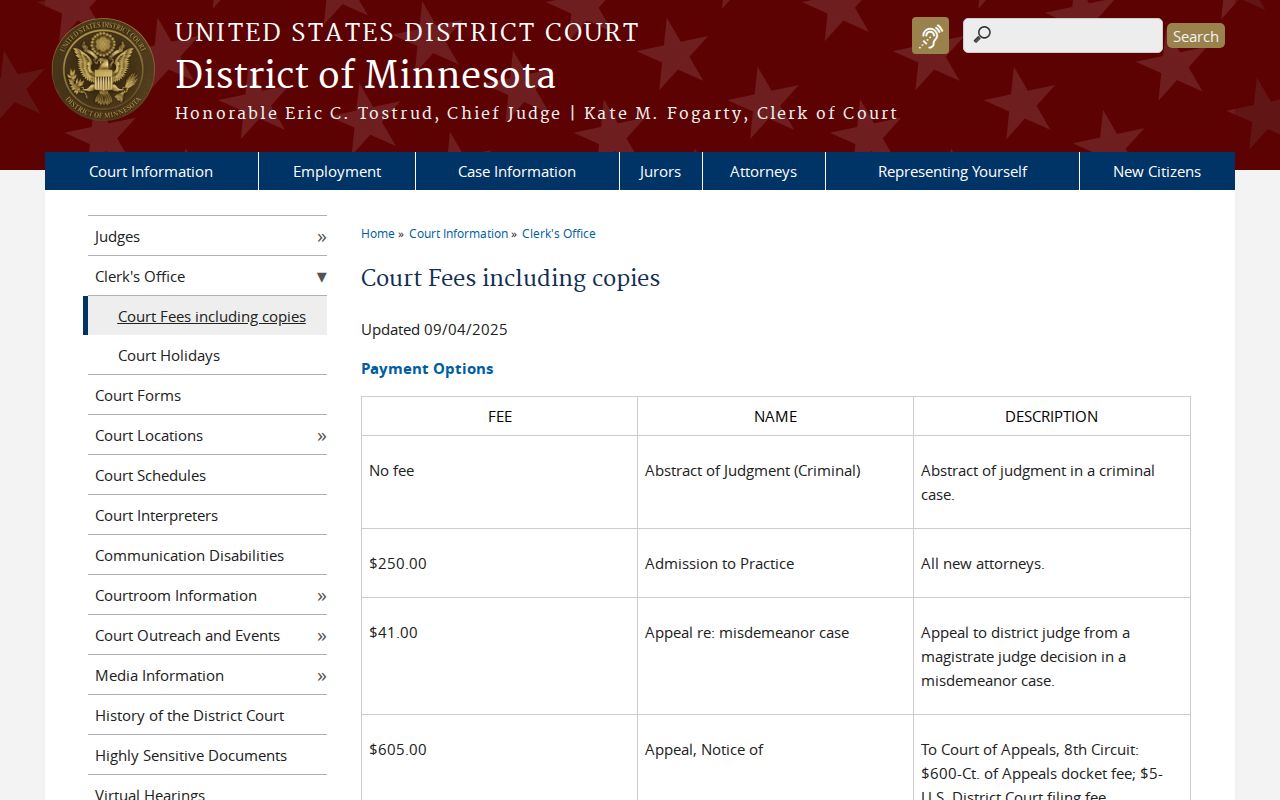
A state case with a 43-CR clue points back to MCRO or McLeod court administration. A federal case points the other way. Identify the federal court and use the federal docket channel.
McLeod Criminal Docket CM ECF Boundary
CM/ECF is the federal courts' filing and case-management system. It stands apart from both MCRO and Minnesota eFile and eServe. The official District of Minnesota CM/ECF court information names the federal channel. It also lists division contacts. It offers no substitute Register of Actions for a McLeod District Court criminal case.
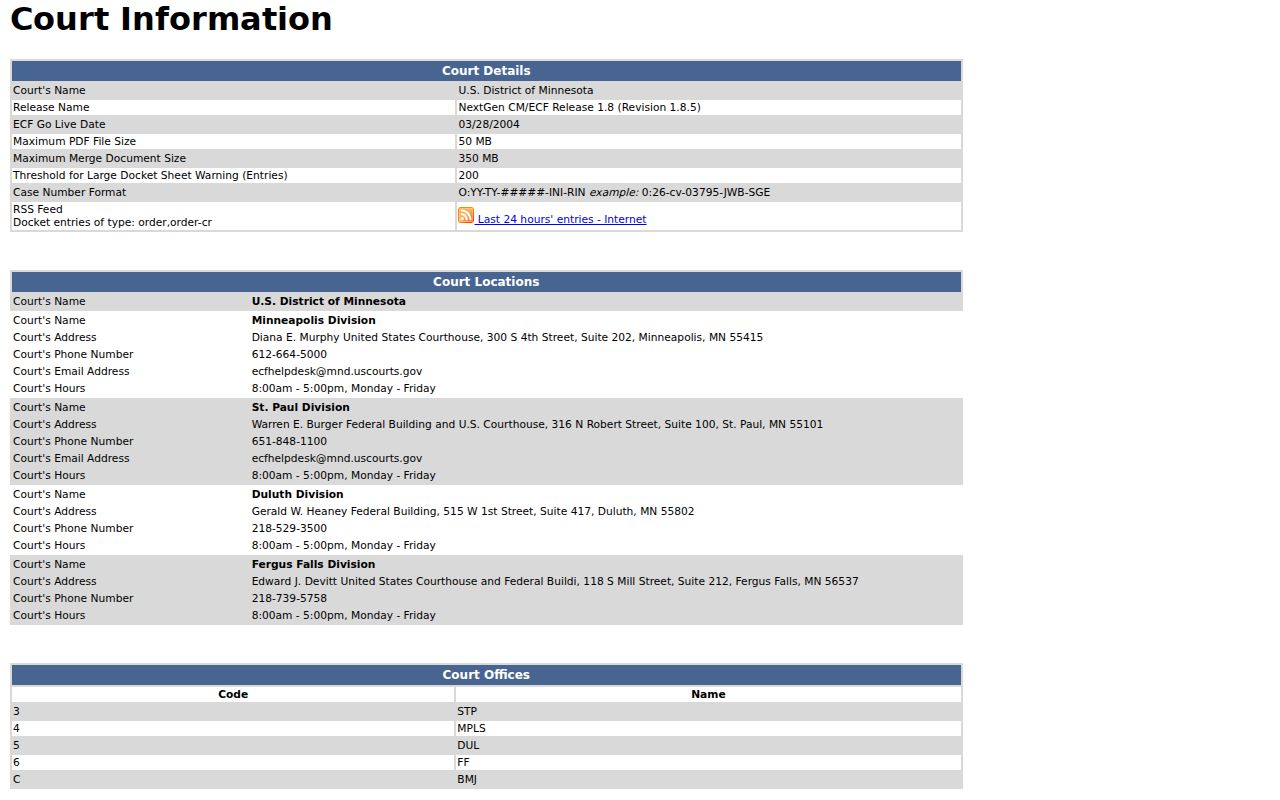
Keep state and federal channels separate and your searches stop failing. McLeod criminal dockets filed in Minnesota District Court stay with county court administration and the MCRO access path.